
What is a vCard Plus QR Code
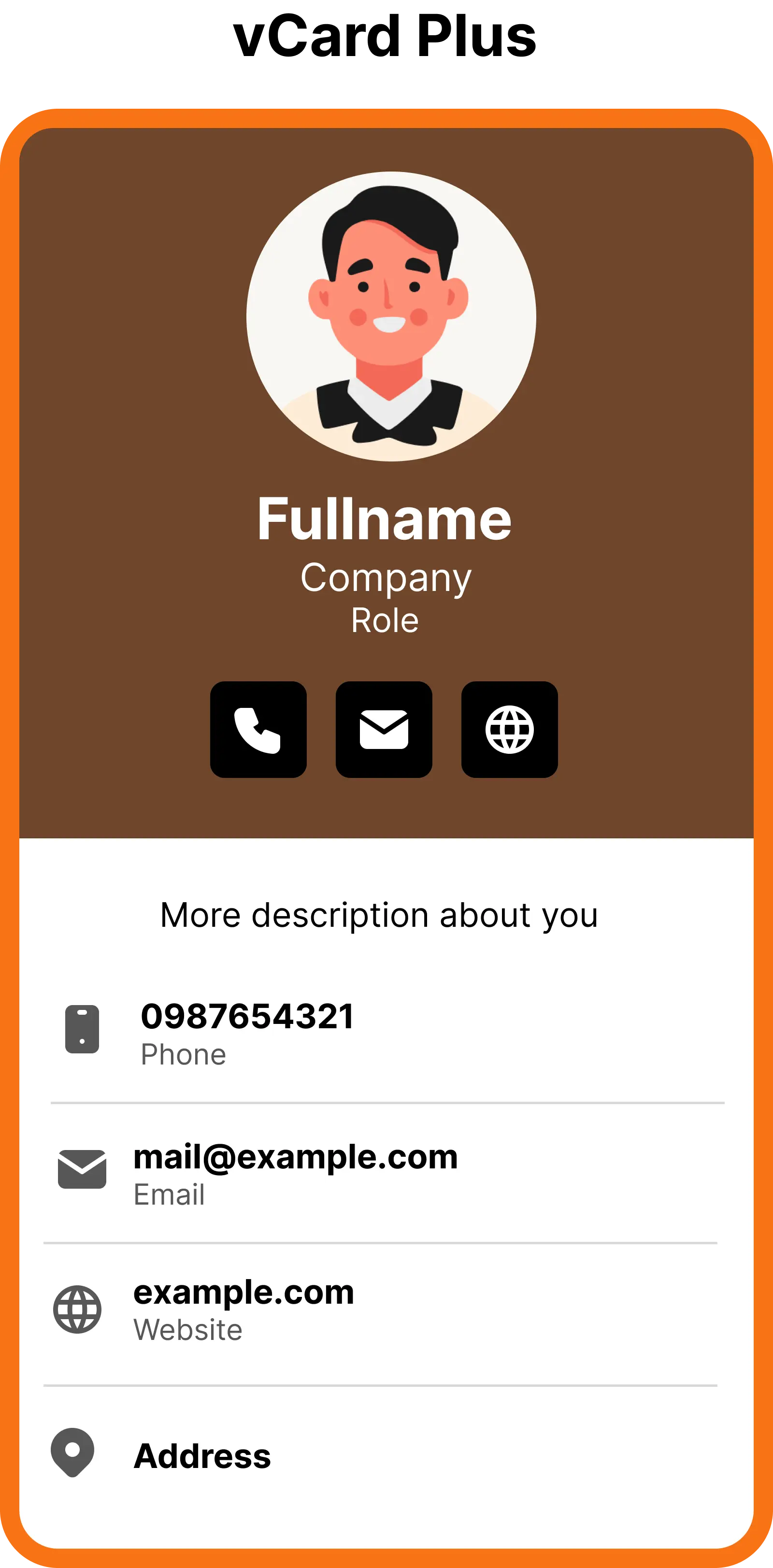
A vCard Plus QR Code lets you upload your contact information and launch a mobile-friendly vCard page when someone scans the code.
Because this is a dynamic QR code, you can replace the contact information anytime without changing or reprinting the QR code.
How to Create an vCard Plus QR Code
With ZodQR, you can get started with vCard Plus QR codes for free without an account. Sign up later to manage your QR codes, track scans, and update contact information anytime.
Step 1: Add contact details
Enter your contact information including photo, name, job title, company, phone number, email, and website.
Step 2: Customize Your vCard
Add a title, description, and optional cover image to make your vCard more engaging. Choose from different vCard styles and colors.
Step 3: Generate QR code
Customize & generate your vCard QR code. Download the QR code image or share the link directly. You can update the contact information anytime without changing the QR code.
Best use cases for vCard QR Codes
Business cards
Turn your traditional business card into a digital business card with a vCard QR code. Let people scan and instantly save your contact details to their phone—no typing required.
Networking events
Share your contact information instantly at conferences, meetups, and networking events. A quick scan saves your details, helping you connect faster and never miss an opportunity.
Sales & client meetings
Make it easy for prospects and clients to save your contact details during meetings. Boost follow-ups and conversions with a simple vCard QR code scan.
Email signatures
Add a vCard QR code to your email signature so recipients can quickly save your contact information with one scan—perfect for professional communication.
Marketing materials
Place your digital business card QR code on brochures, flyers, posters, and packaging to turn offline marketing into instant contact capture.
Teams & employees
Equip your team with vCard QR codes for consistent and professional contact sharing across all touchpoints, from print materials to presentations.
FAQs
Ready to create your vCard Plus QR Code?
Get started in minutes. Create, customize, and share your digital business card for free.